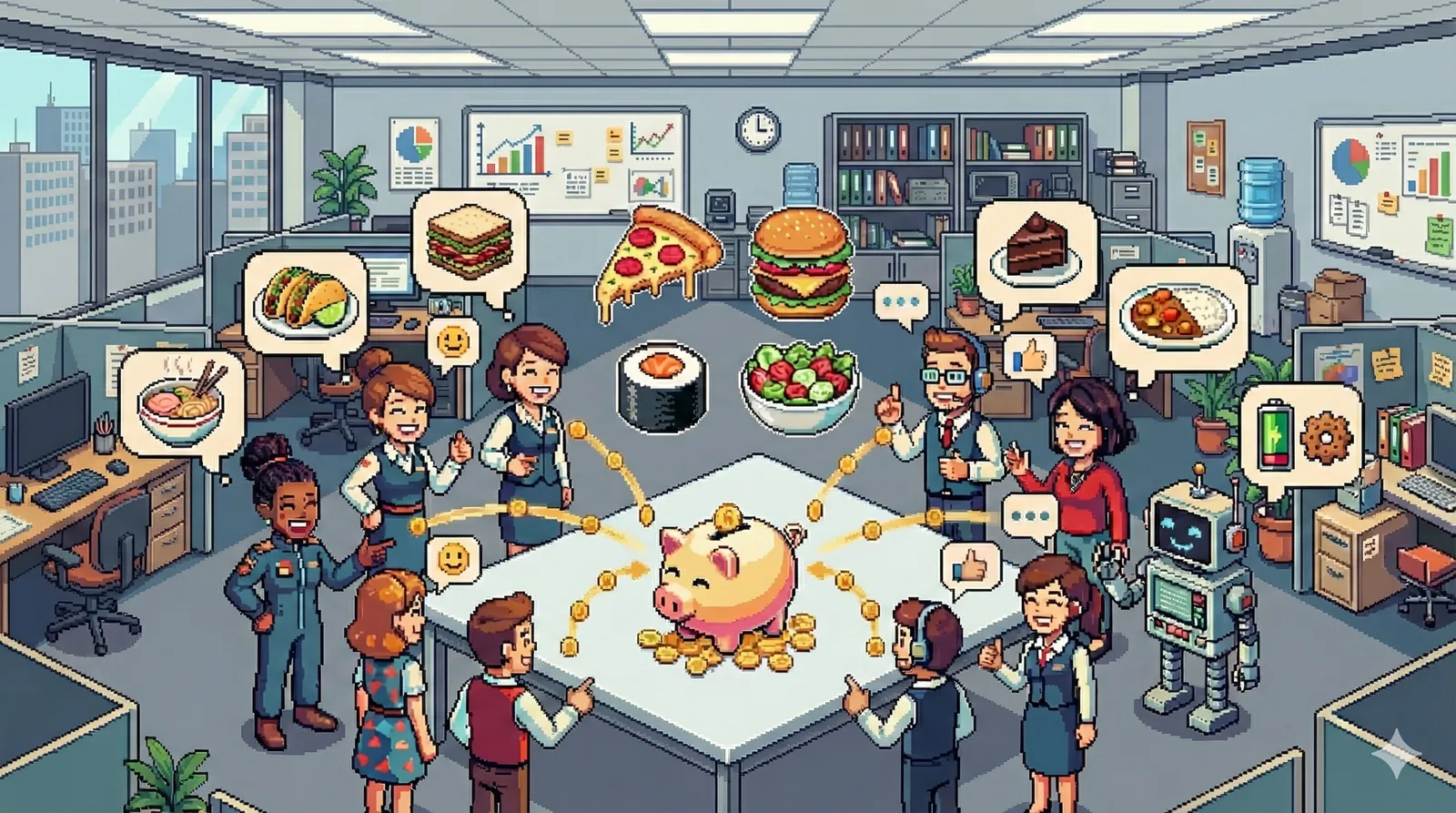
No more duplicate dishes or missing drinks at your potluck
Create one live sign-up sheet where guests claim dishes, drinks, and supplies before the group chat turns into chaos.
🍂 Friday Team Potluck
12 guestsFriday 12:30 PM • 3rd Floor Lounge • Host: Emma
How LunchLink Works
No apps to download, no accounts required. Organized in three simple steps.
Create your sheet
Pick a pre-loaded template or customize categories for mains, sides, desserts, and drinks.
Share one link
Send the sign-up link in WhatsApp, Slack, email, or SMS. Guests open it directly on any phone.
Track the menu live
Everyone sees what has already been claimed so there are no duplicates and nothing gets forgotten.
Replace the messy group chat
Why a focused sign-up sheet beats scrolling through 80 scattered chat messages.
- • Repeating "What should I bring?" all week in a crowded chat.
- • Ending up with 5 pasta salads and no plates, napkins, or drinks.
- • The host scrambling to manually update a spreadsheet before event day.
- • Everyone works from the exact same live, up-to-date sign-up sheet.
- • Guests claim items without creating an account or downloading an app.
- • A balanced table with all courses and dietary options clearly covered.
Popular Sign-Up Templates
Pick a ready-to-use template with standard dishes, or start from scratch.
Classic Dinner
Mains, sides, desserts, drinks, and tableware. The all-round template for dinners and parties.
Office & Team Lunch
Easy travel mains, veggie/vegan options, snacks, and team drinks for workplace meals.
Brunch & Breakfast
Egg dishes, pastries, fresh fruit, juice, and coffee contributions for weekend mornings.
Ready to plan your next meal?
Create your sign-up sheet now in 30 seconds, then share the link with guests when you're ready.
Frequently Asked Questions
Is LunchLink free for potlucks? ▼
Yes. You can create a potluck sign-up sheet and share it with guests for free.
Do guests need an account? ▼
No. Guests open the shared link, enter their name, and add what they are bringing without registering.
Can I organize dishes by category? ▼
Yes. Use categories like mains, sides, desserts, drinks, supplies, or any custom grouping that fits your event.
What kinds of events does it work for? ▼
LunchLink works for office potlucks, holiday parties, family dinners, community meals, birthdays, and neighborhood gatherings.
Potluck planning tools and sign-up sheets
Start with the online potluck organizer page that matches what you are hosting.